AI Anime Short Film Generator — One Line, Every Scene Starring Your Character
Write one line. An AI director plans the scenes, you preview each opening shot for free, and your character stars in a short anime film — speaking her lines.
From one line to a finished film
The director breaks your idea into scenes, writes what she does and says in each, and shows you where every scene opens. Change anything before you render.
Your line
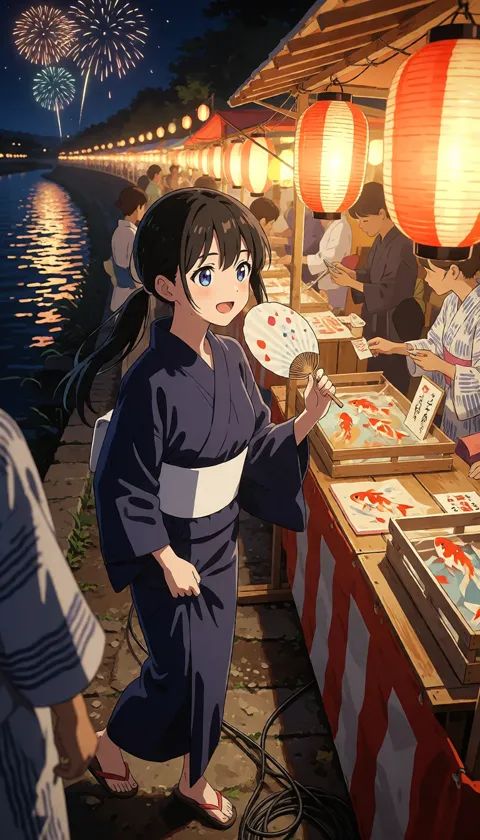
Scene previews — free
 1
1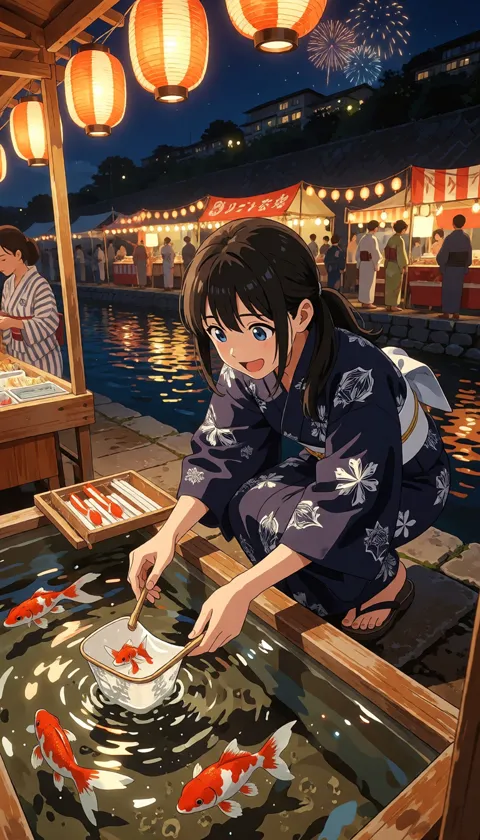 2
2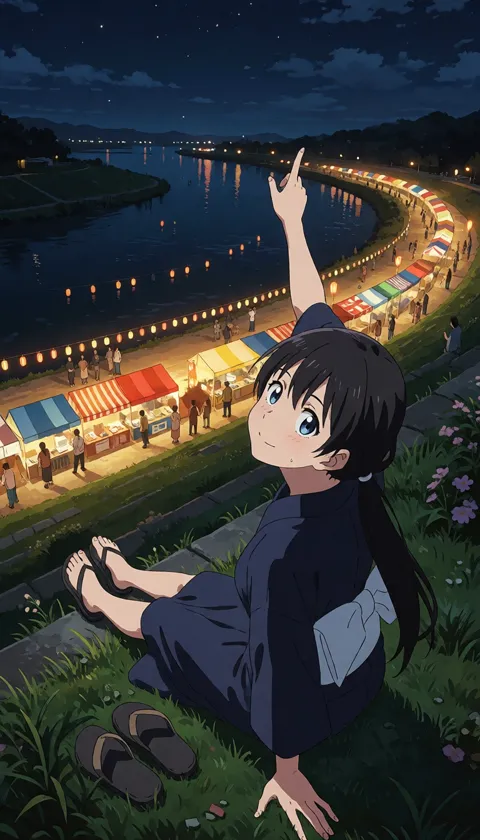 3
3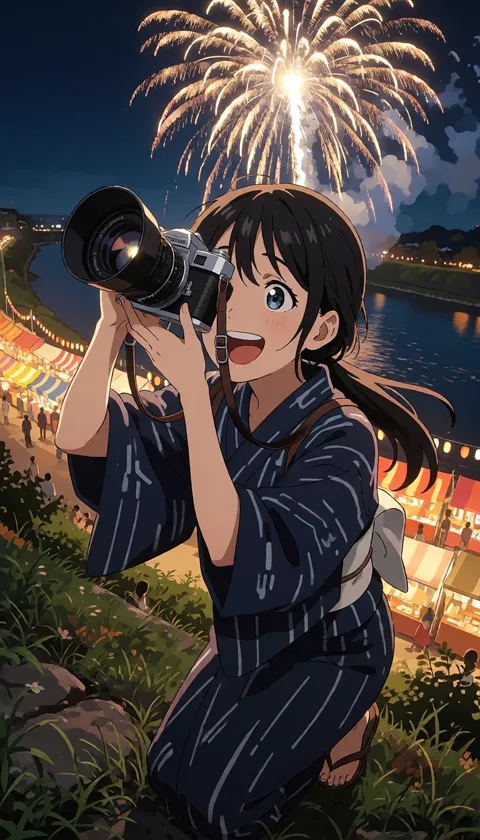 4
4These 4 scenes became the short film at the top — 35 seconds, with spoken lines.
Same character, every scene
Her face, hair and style stay the same from the first scene to the last — every scene is built from your character.
An AI director plans the cuts
Up to 10 scenes, each with its own action, line and mood. Big moments can run up to 30 seconds.
Free previews, full control
See where each scene opens before you spend anything. Rewrite a scene, try a new shot, change its length, add or remove scenes.
Spoken lines, lip-synced
She speaks her lines in the language you write in, with her lips in sync. Write in English and she speaks English.
Turn your chat story into a film
Chat with your character in Scene Director and every big moment arrives as a picture. Once the story has a few highlights, the director cuts them into one short film.
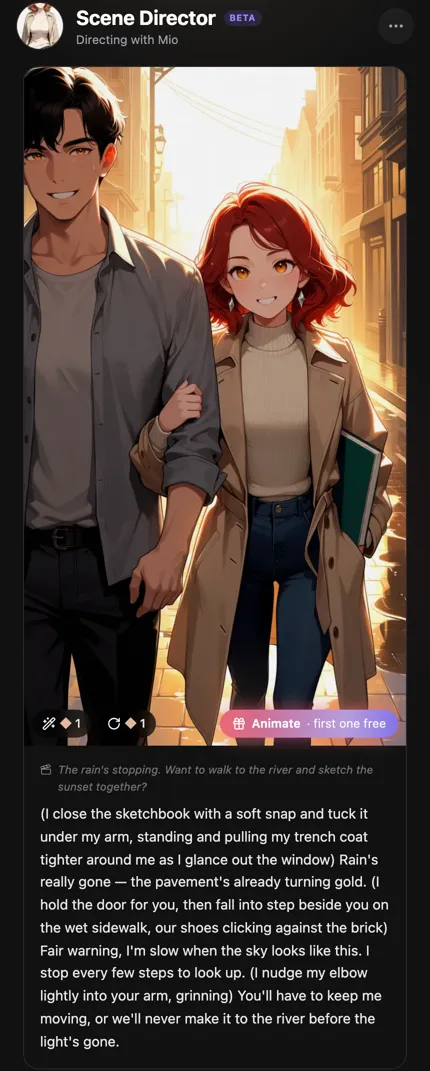
Animate any scene — with voice
Pick a scene card and bring it to life in 5 to 30 seconds. Three ways to do it:
Follow the scene
The story keeps going from this moment, with her voice.
Make it move
The same picture, in motion.
Write your own
Describe exactly what happens next.
New to MadeYu? Sign up and your first 10-second animation is free.
How to make an AI anime short film
Create your character
Describe her or upload a picture, then pick your favorite of 4 looks.
Write one line
Where she is, who's with her, what happens. One sentence is enough.
Check the scenes
Preview each scene's opening shot for free and adjust until it feels right.
Render
Your film is ready in about 10–15 minutes, in the Video tab.
Frequently Asked Questions
What is an AI anime short film?
A short video of several scenes, planned by AI from one line you write and starring the anime character you created. MadeYu keeps her look the same in every scene.
Is it free?
Signing up, creating a character and previewing scenes are free. Rendering the finished film uses credits, so you only pay for films you're happy with.
How long can a film be?
Up to 10 scenes. Each scene runs 5–10 seconds and can be lengthened to 30 seconds.
Can I use my own character?
Yes. Every film stars a character you made in MadeYu — from a description or from your own picture.
How is this different from AI Story Video?
Story Video lets you build each clip by hand. A short film is planned for you: write one line, and the director plans the whole film.
Can I make a film from a chat?
Yes. In Scene Director, once your story has a couple of highlight scenes, tap “Make a film”.
Which languages can she speak?
English, Japanese and Chinese. She speaks in the language you write in.
Explore more AI tools
Make your first short film
Create a character, write one line, and preview the scenes for free.